Sahabat
Ngonline06 pernah melihat blog dengan animasi-animasi yang menarik? Tenang saja, sahabat juga bisa memasangnya di blog sahabat semua. Caranya pun sangat mudah dan praktis.
Cara Pemasangan:
- Silahkan ke dashboard blog sahabat.
- Klik Layout (Tata Letak) > add gadget > HTML/Java Script
- Letakkan kode-kode di bawah ini pada java script tersebut.
- Selesai
Animasi-animasi ini adalah kreasi dari sweetim.com, nocookie.net, dan photobucker.com. Berikut adalah kode html dari animasi-animasi lucu.
Animasi Lucu Ngonline06 di Blog
Animasi-animasi ini adalah kreasi dari sweetim dan lainnya.
Animasi-animasi
Animasi animasi
1. Tuyul ketawa
<div style="position: fixed; bottom: 0px; right:
20px;width:82px;height:160px;"><a
href="http://goo.gl/4iOcPd"
target="_blank"><img
src="http://content.sweetim.com/sim/cpie/emoticons/0002031F.gif"
alt="animasi blog" /></a></div>
2. Tuyul baring
<div style="position: fixed; bottom: 0px; left: 20px;width:120px;height:100px;"><a href="http://goo.gl/4iOcPd" target="_blank"><img alt="animasi blog" src="http://content.sweetim.com/sim/cpie/emoticons/0002031E.gif" title="Click to get more." /></a></div>
3. Helikopter
<div style="position: fixed; bottom: 0px; left: 10px;width:110px;height:130px;"><a href="http://goo.gl/4iOcPd" target="_blank"><img alt="animasi blog" src="http://content.sweetim.com/sim/cpie/emoticons/00020389.gif" title="Click to get more." /></a></div>
4. Gajah loncat
<div style="position: fixed; bottom: 0px; left: 20px;width:120px;height:160px;"><a href="http://goo.gl/4iOcPd" target="_blank"><img alt="animasi blog" src="http://content.sweetim.com/sim/cpie/emoticons/000203BC.gif" title="Click to get more." /></a></div>
5. Boneka joget
<div style="position: fixed; bottom: 0px; left: 20px;width:82px;height:160px;"><a href="http://goo.gl/4iOcPd" target="_blank"><img src="http://content.sweetim.com/sim/cpie/emoticons/0002013F.gif" alt="animasi blog" /></a></div>
6. Panda main bola
<div style="position: fixed; bottom: 0px; right: 30px;width:160px;height:160px;"><a href="http://goo.gl/4iOcPd" target="_blank"><img src="http://content.sweetim.com/sim/cpie/emoticons/0002032D.gif" alt="animasi blog" /></a></div>
7. Pinguin
<div style="position: fixed; bottom: 0px; left: 10px;width:110px;height:130px;"><a href="http://goo.gl/4iOcPd" target="_blank"><img alt="animasi blog" src="http://content.sweetim.com/sim/cpie/emoticons/00020484.gif" title="Click to get more." /></a></div>
8. Panah
<div style="position: fixed; bottom: 0px; left: 10px;width:210px;height:120px;"><a href="http://goo.gl/4iOcPd" target="_blank"><img alt="animasi blog" src="http://content.sweetim.com/sim/cpie/emoticons/00020236.gif" title="Click to get more." /></a></div>
9. Dragon
<div style="position: fixed; bottom: 0px; left: 10px;width:150px;height:130px;"><a href="http://goo.gl/4iOcPd?im=gen&lpver=3&ref=10" target="_blank"><img alt="animasi blog" src="http://content.sweetim.com/sim/cpie/emoticons/00020478.gif" title="Click to get more." /></a></div>
10. Bunga
<div style="position: fixed; bottom: 0px; left: 10px;width:100px;height:160px;"><a href="http://goo.gl/4iOcPd?im=gen&lpver=3&ref=10" target="_blank"><img alt="animasi blog" src="http://content.sweetim.com/sim/cpie/emoticons/00020322.gif" title="Click to get more." /></a></div>
11. Anjing laut
<div style="position: fixed; bottom: 0px; left: 10px;width:110px;height:160px;"><a href="http://goo.gl/4iOcPd?im=gen&lpver=3&ref=10" target="_blank"><img alt="animasi blog" src="http://content.sweetim.com/sim/cpie/emoticons/000203B5.gif" title="Click to get more." /></a></div>
12. Lumba-lumba
<div style="position: fixed; bottom: 0px; left: 10px;width:110px;height:160px;"><a href="http://goo.gl/4iOcPd?im=gen&lpver=3&ref=10" target="_blank"><img alt="animasi blog" src="http://content.sweetim.com/sim/cpie/emoticons/000203BA.gif" title="Click to get more." /></a></div>
13. Kelinci
<div style="position: fixed; bottom: 0px; left: 10px;width:125px;height:160px;"><a href="http://goo.gl/4iOcPd?im=gen&lpver=3&ref=10" target="_blank"><img alt="animasi blog" src="http://content.sweetim.com/sim/cpie/emoticons/000203A0.gif" title="Click to get more." /></a></div>
14. Pintu
<div style="position: fixed; bottom: 0px; left: 10px;width:125px;height:160px;"><a href="http://goo.gl/4iOcPd?im=gen&lpver=3&ref=10" target="_blank"><img alt="animasi blog" src="http://content.sweetim.com/sim/cpie/emoticons/000203D1.gif" title="Click to get more." /></a></div>
15. Sundul bola
<div style="position: fixed; bottom: 0px; left: 10px;width:125px;height:160px;"><a href="http://goo.gl/4iOcPd?im=gen&lpver=3&ref=10" target="_blank"><img alt="animasi blog" src="http://content.sweetim.com/sim/cpie/emoticons/000203CF.gif" title="Click to get more." /></a></div>
16. Lebah
<div style="position: fixed; bottom: 0px; left: 10px;width:125px;height:160px;"><a href="http://goo.gl/4iOcPd?im=gen&lpver=3&ref=10" target="_blank"><img alt="animasi blog" src="http://content.sweetim.com/sim/cpie/emoticons/0002048F.gif" title="Click to get more." /></a></div>
17. Telur ayam menetas
<div style="position: fixed; bottom: 0px; left: 10px;width:125px;height:160px;"><a href="http://goo.gl/4iOcPd?im=gen&lpver=3&ref=10" target="_blank"><img alt="animasi blog" src="http://content.sweetim.com/sim/cpie/emoticons/00020540.gif" title="Click to get more." /></a></div>
18. Ayam bertelur
<div style="position: fixed; bottom: 0px; left: 10px;width:125px;height:160px;"><a href="http://goo.gl/4iOcPd?im=gen&lpver=3&ref=10" target="_blank"><img alt="animasi blog" src="http://content.sweetim.com/sim/cpie/emoticons/00020541.gif" title="Click to get more." /></a></div>
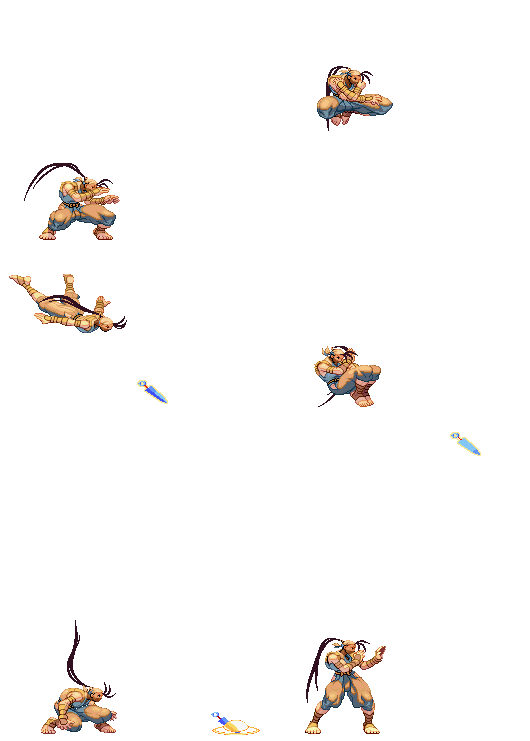
19. Strike
<div style="position: fixed; bottom: 0px; left: 10px;width:150px;height:277px;"><a href="http://goo.gl/4iOcPd?im=gen&lpver=3&ref=10" target="_blank"><img alt="animasi blog" src="http://images3.wikia.nocookie.net/__cb20100917082342/streetfighter/images/9/92/Kunai.gif" title="Click to get more." /></a></div>
Kode scriptnya:
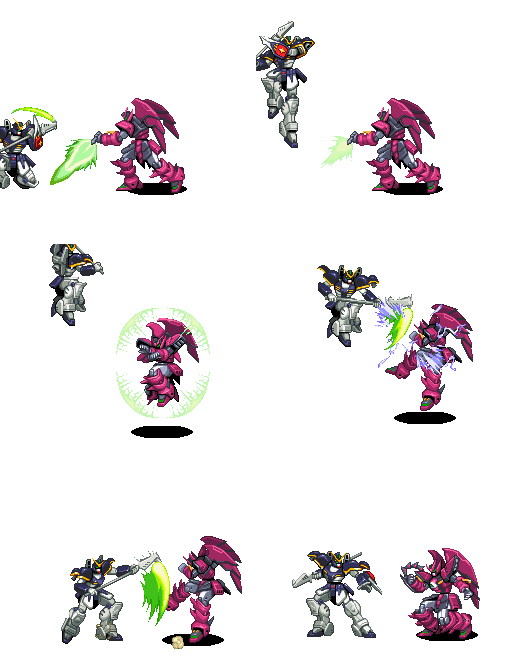
<div style="position: fixed; bottom: 0px; left: 10px;width:150px;height:277px;"><img alt="animasi blog" src="http://i1108.photobucket.com/albums/h405/christian410/very_cool_fight_eypon_death.gif" title="Click to get more." /></div>
Keterangan:
- Untuk mengubah posisi animasi dari kanan ke kiri, tinggal merubah kode right ke left, atau sebaliknya.
- Untuk mengubah posisi animasi dari atas ke bawah, tinggal merubah kode top ke bottom, atau sebaliknya.
Demikian kode-kode animasi lucu dan menarik yang Ngonline06 bisa share. Semoga bermanfaat untuk para sahabat semua. Jika ada kesulitan ataupun hal yang perlu dipertanyakan, silahkan coret aja di kolom komentar di bawah. Salam sukses dari Ngonline06 untuk semuanya.